Drag Bike 201M Sunmori How to Play With Friends Guide
Drag Bike 201M Sunmori how to play with friends: create an Online World room, share your room code or WhatsApp invite, and get everyone riding together.
Jump to
How to Play With Friends in Online World
If you’re searching for “Drag Bike 201M Sunmori how to play with friends,” head to Online World and create a room. Sharing its room code lets your friends enter the same session. There’s also an Invite WA button for sending an invitation through WhatsApp.
You won’t find a separate button labeled Multiplayer on the main screen. Look for Online World alongside the Play and Mini Game options.
Choose one person to host, then follow these steps:
- Open Online World.
- Select Create Room.
- Enter a room name.
- Tap Save.
- Skip the ad when the option becomes available, then enter your room.
- Find the room code in the top-left corner and share it with your friends.
Send the room code, rather than just the room name. Naming the room is part of creating it; the code displayed inside is what your friends enter to join.
For example, a host whose room displays 66263 would send those digits to the group. Use the number shown in your own session—66263 is only an example.
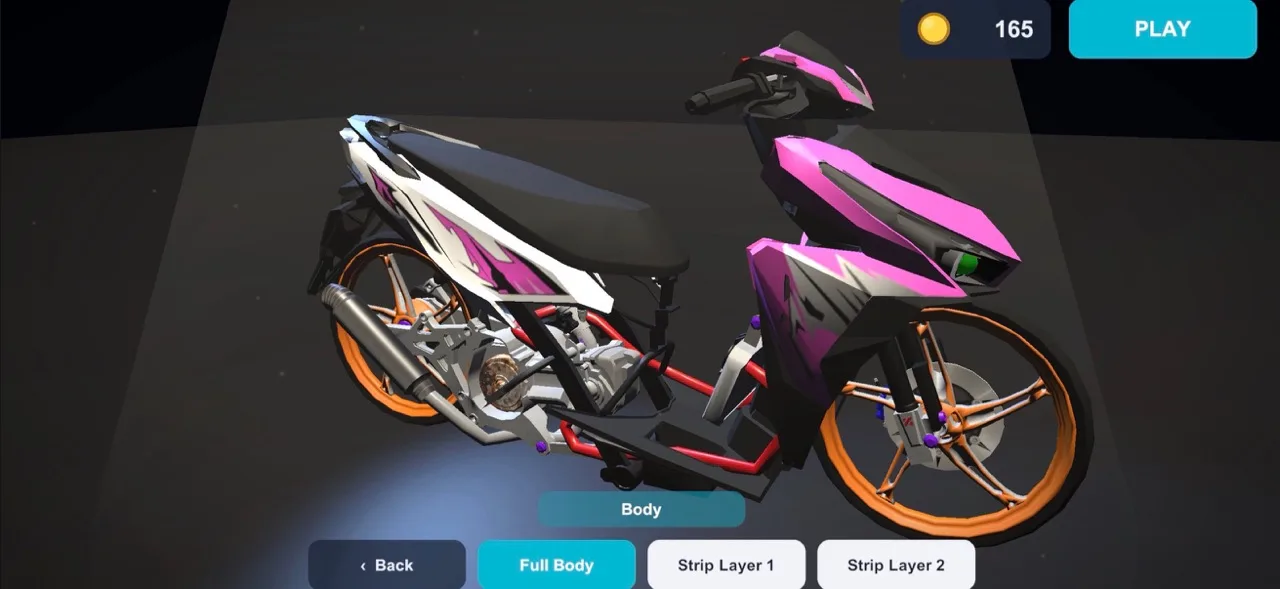
Before hosting, open Bike if you want to customize your motorcycle for the ride. The game has five drag bikes, with interchangeable rims and exhausts across bikes. Bodywork can be removed in layers, from a full body to half fairing or an exposed engine and frame. Each bike also has two liveries. Helmet and jacket designs let you change your rider’s appearance alongside the motorcycle, so there’s more to personalize than the paint.
Official page: Drag Bike 201M Sunmori (play.google.com)
How to Join Your Friend’s Room
Have your friend create the room and send you its code before you start joining. With the game installed, follow this sequence:
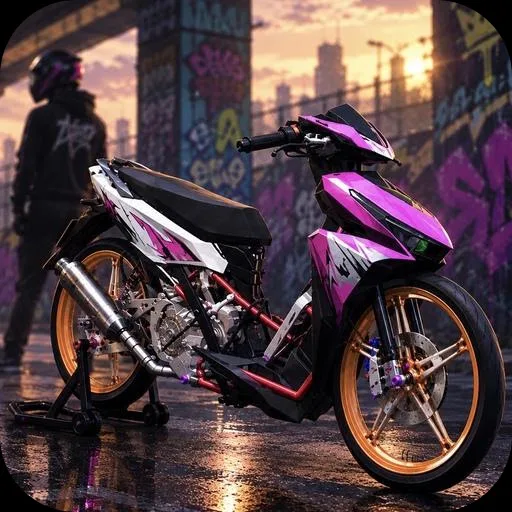 Image: play.google.com
- Open Online World from the main screen.
- Select Join Room.
- Enter the code your friend shared.
- Tap Okay.
- Tap Join to enter the same session.
Keep the host’s code handy while entering it. If you’re organizing a group ride, have everyone use the code from the same host so you all join the same room.
The two roles use different buttons: the host selects Create Room, while everyone joining that host selects Join Room. You don’t need to create a separate room to ride with someone who already has one open.
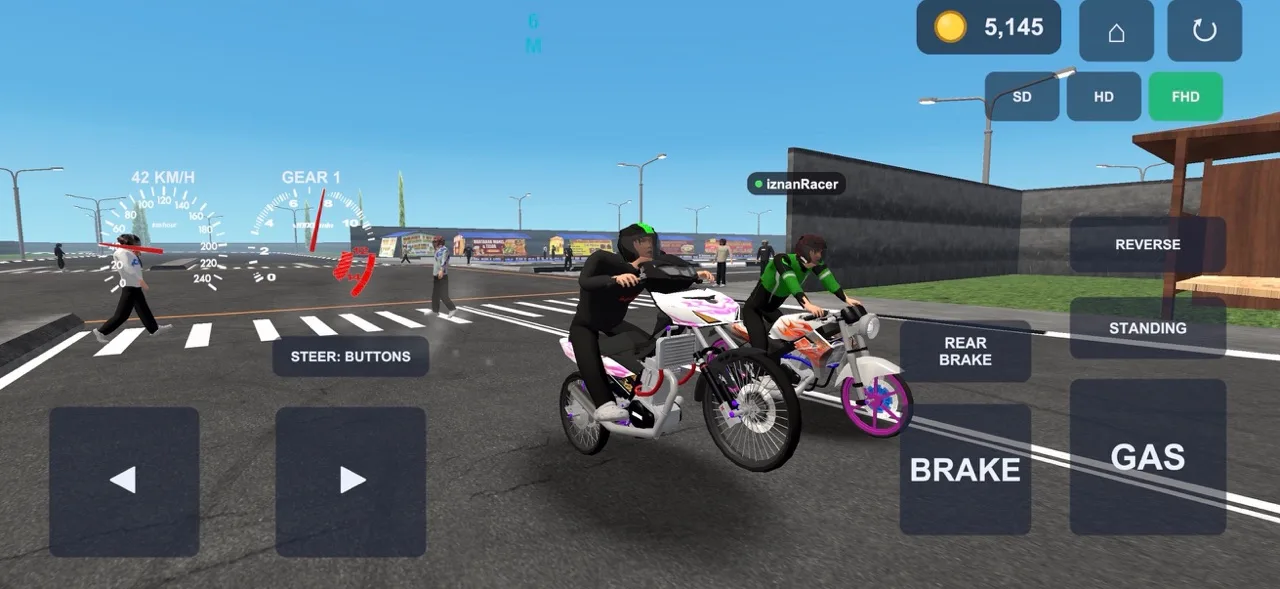
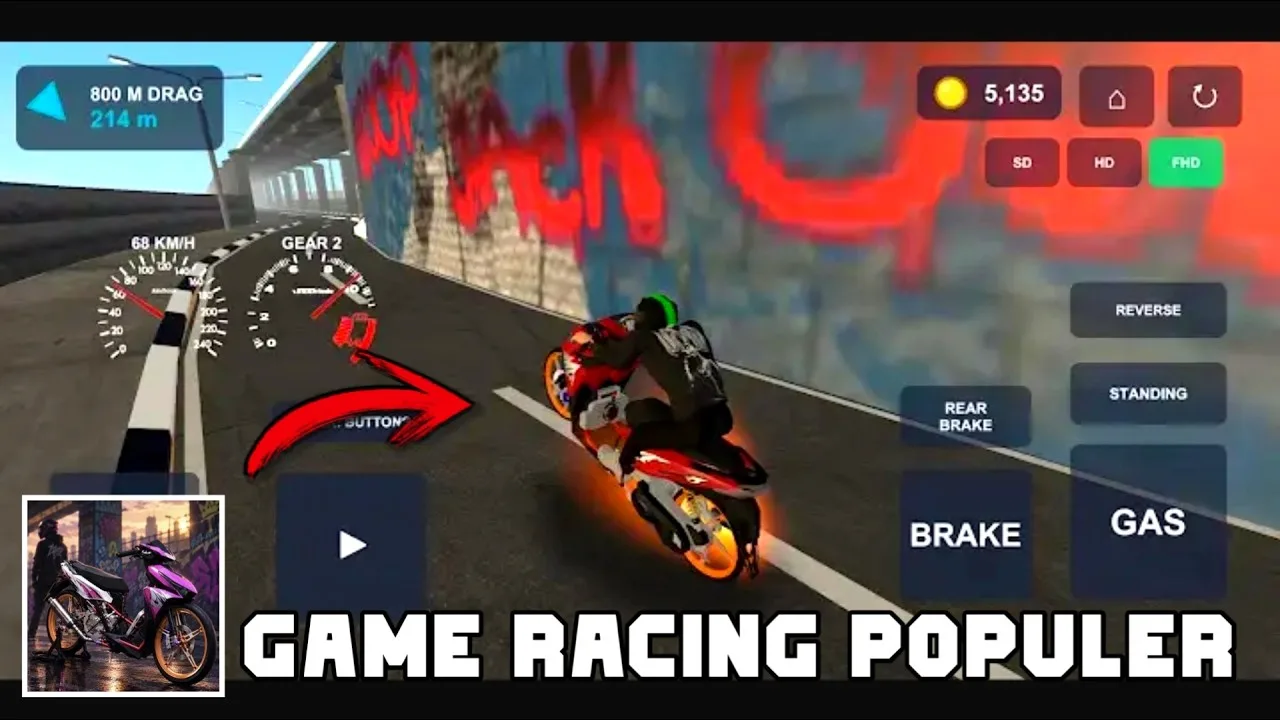
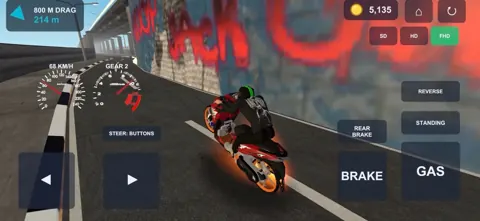
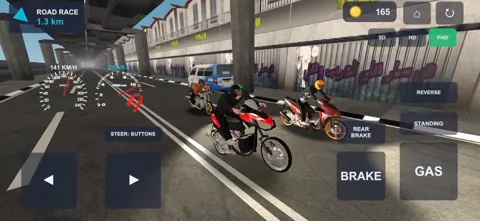
If you’re learning the controls before meeting up, the riding interface includes left and right steering, throttle, brake, wheelie, and reverse buttons. Reverse moves the motorcycle backward. After a fall, tap the reset button in the top-right corner to get upright again. Practice steering and stopping before trying wheelies: too much throttle off the line lifts the front wheel, while excessive front braking can tip the motorcycle over its nose.
The game’s city includes moving cars and motorcycles, pedestrians, and a day-to-night cycle, with streetlights switching on at dusk. Watch the traffic while getting comfortable with your bike. There are also SD, HD, and FHD graphics options. If you’re playing on a budget phone, try SD before your group ride; the graphics tiers are designed to accommodate both lower-end phones and flagship devices.
How to Invite Friends Through WhatsApp
Once you’re inside your room, you can send an invitation without typing its code into a message yourself:
- Tap Invite WA.
- Choose the WhatsApp app you want to use if prompted.
- Select the friend or conversation that should receive the invitation.
- Send the invitation.
The app selection can include WhatsApp Business, so choose the WhatsApp installation where you keep your riding group.
If you prefer to coordinate through another messaging app, copy the room code into your conversation and have your friends follow the Join Room steps above. WhatsApp is a convenient invitation option; the room-code method gives you another way to bring everyone into the session.
Keep an internet connection active for the group ride. The game also supports offline racing, but joining friends through Online World requires going online.
Continue exploring
Drag Bike 201M Sunmori Controls: Launch and Brake Guide
Master Drag Bike 201M Sunmori controls with tips for clean launches, separate brakes, gear shifts, circuit corners, and triggering 400-meter street duels.
Drag Bike 201M Sunmori How to Win: Racing Tips That Work
Drag Bike 201M Sunmori how to win: learn to control wheelies, improve your launches, handle each race mode, and earn coins while practicing smoother runs.
Join the community
Official channels for news, updates and player help: